Measure and compare anything on a map
Draw lines, circles, and custom shapes to calculate distances and surface areas. Open two maps side by side for direct comparison, and export your work to continue seamlessly in other apps.
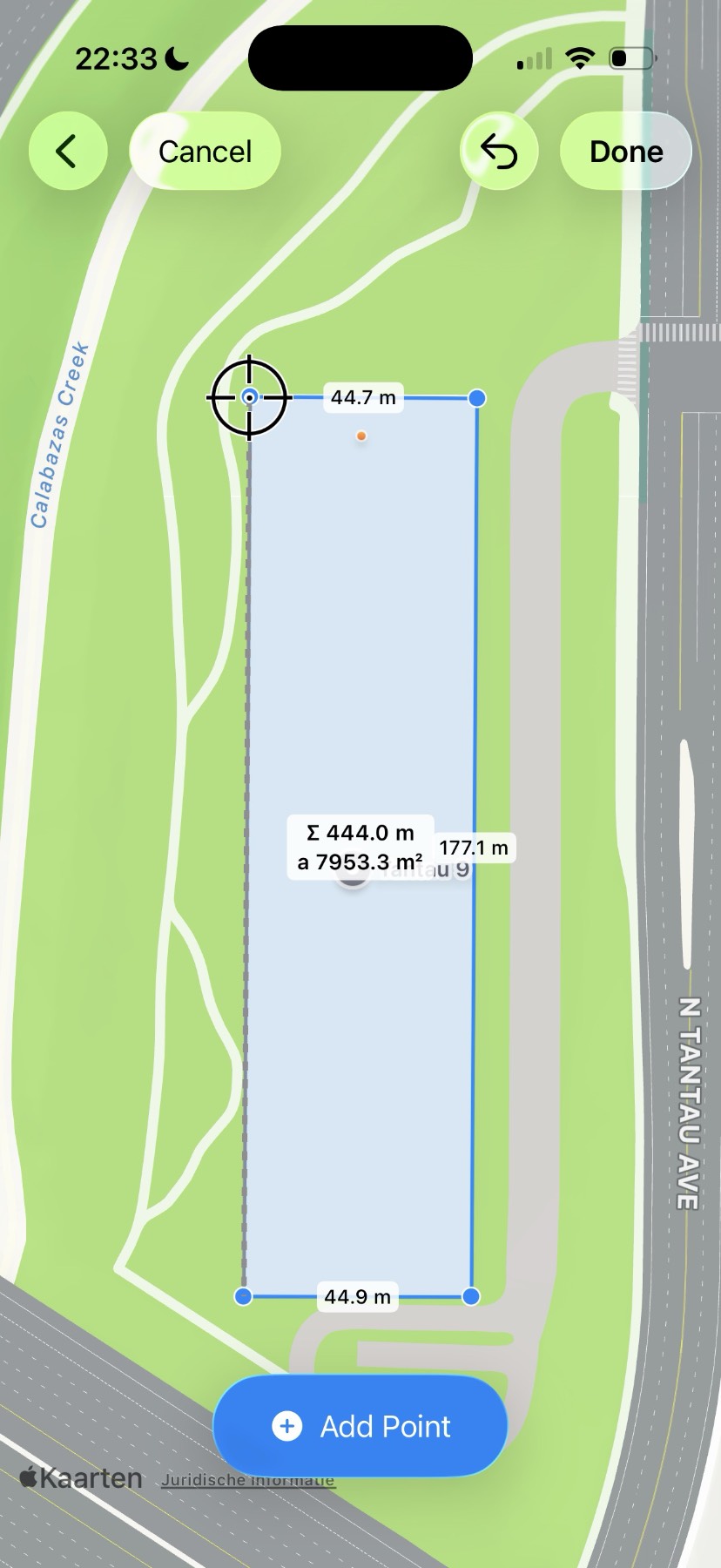
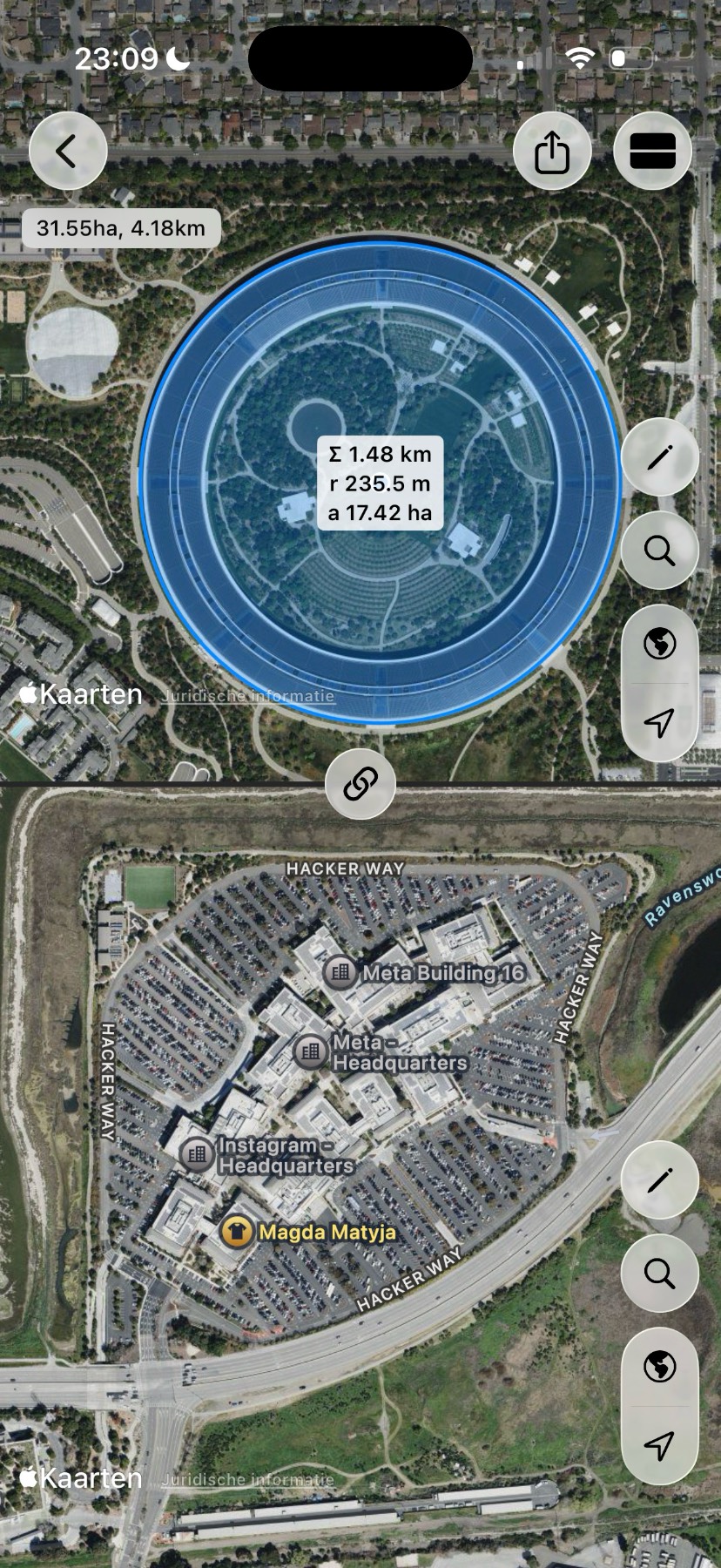
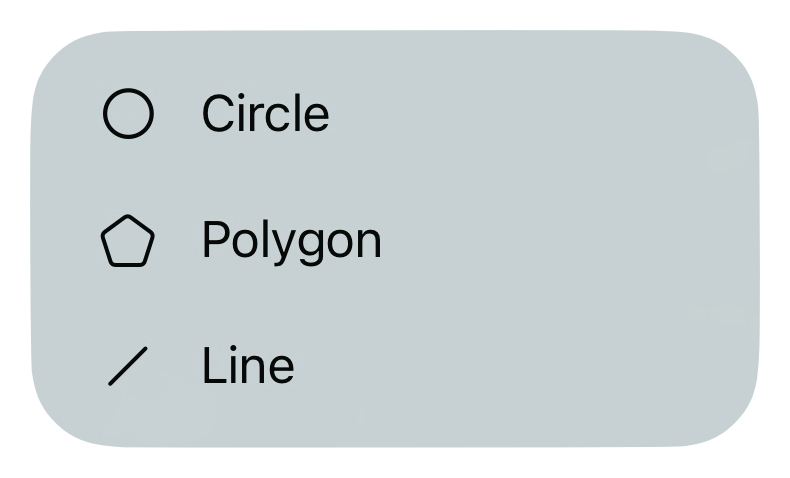
Draw lines, circles, and custom shapes to calculate distances and surface areas. Open two maps side by side for direct comparison, and export your work to continue seamlessly in other apps.
Place points exactly where they belong by moving the crosshair or the map itself. Measure edges, corners, and outlines with confidence.
Open up two maps side by side and check if what you were measuring fits somewhere else. Perfect for testing ideas and alternatives.
Buy once and use SplitMap on both iPhone and iPad. SplitMap adapts naturally to big and small screens.
Use SplitMap on multiple devices and pick up right where you left off. Your locations and measurements stay in sync automatically.
Export your measurements to images or GeoJSON and continue working seamlessly in other apps and tools.
Supports 11 languages and the metric and imperial system.